


Hugsback App
Hugsback App
Get more calm from your Hugsback
Free with every Hugsback order
Log in with the email address from your order · no password needed
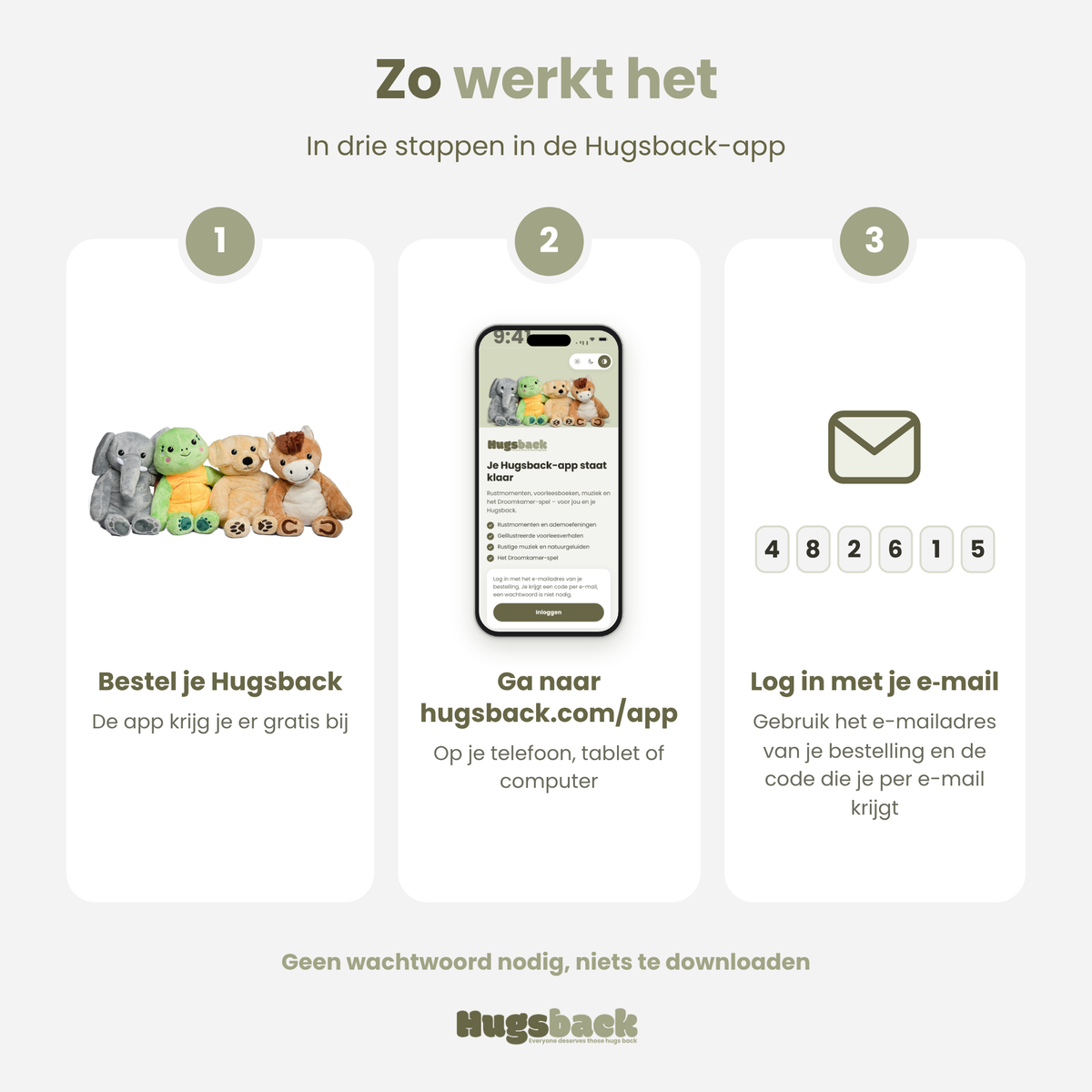
Order your Hugsback
You get the app free with it.
Log in with your email
You'll get a code straight away.
Add it to your home screen
From then on, open it with one tap.

How does the Hugsback app work?

How does the Hugsback app work?
After your order, go to hugsback.com/app and enter the email address from your order. You'll get a verification code by email straight away, and that opens the app. You don't need a password. Then add the app to your phone's home screen, so from then on it opens with one tap. The app also works on your tablet and computer.

Frequently Asked Questions

Frequently Asked Questions
Do you have a question? Below you will find answers to the most frequently asked questions about our plush toys, shipping, returns and more. Is your question not listed? Feel free to contact us.


Hugsback - App
Frequently asked questions

What is the Hugsback app?
What is the Hugsback app?
The Hugsback app is a free app for everyone with a Hugsback. You'll find moments of calm, breathing exercises, calming music and nature sounds, read-aloud books and calm games. It's all there to help you get even more calm, comfort and a sense of security from your Hugsback weighted stuffed animal.
What's in the app?
What's in the app?
Listen: calm pieces of music and nature sounds, like rain, waves, a crackling fire, a summer night and a heartbeat. Books: illustrated read-aloud books where you can also have your child's name appear. Play: calm games, like Dream Room and Catch the stars. You'll also find the calm dice with little relaxation exercises, tips for using and caring for your Hugsback, and your own Hugsback family with an adoption certificate for your stuffed animal. We keep adding new stories, music and games.
Is the Hugsback app free?
Is the Hugsback app free?
Yes. Everyone who has ordered a Hugsback can use the app for free. There's no subscription and you won't see any ads.
How do I log in?
How do I log in?
Go to hugsback.com/app and enter the email address from your order. You'll get a verification code by email straight away. Enter it and the app opens. You don't need a password.
Is the app suitable for children too?
Is the app suitable for children too?
Yes. There's a child profile without shop links, with read-aloud books and calm games. With young children, do keep an eye on things.
What happens to my data?
What happens to my data?
Everything you enter in the app, like your stuffed animal's name, favourites and notes, stays on your own device. The app shows no ads and doesn't keep track of which exercises or stories you choose.
Do I need to download anything?
Do I need to download anything?
No. The app works in your browser on your phone, tablet and computer, so there's nothing to install from an app store. On your phone, use “Add to Home Screen” to place it as an icon; the app explains how that works. The app is available in 7 languages.
I didn't receive a code, what now?
I didn't receive a code, what now?
First look in your spam or junk folder and check that you're using the email address from your order. Still not working? Email us at info@hugsback.com and we'll help you out.


